

Platform modernization and migration
Modernize Fragile Software Without Betting the Business on a Rewrite
Software modernization consulting to make valuable systems safer and easier to change. Plan improvements and migrations without committing to a full rewrite.
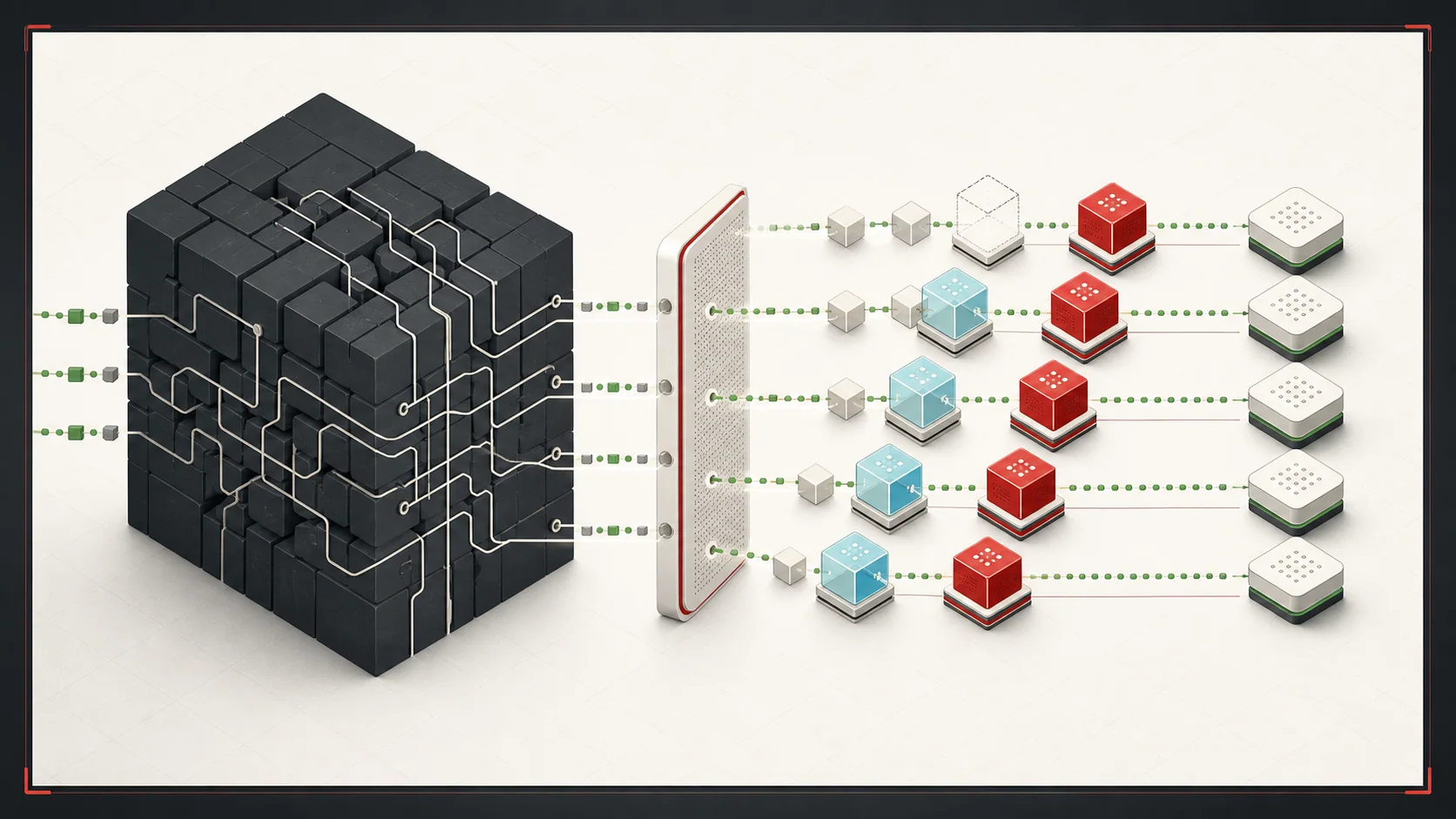
The software still supports the business, but each change takes longer or breaks something else. I help you decide what to keep, repair, or replace. Start with an assessment and a plan for changes the team can deliver while the business keeps operating.
Best fit
A system that still matters but is slow, fragile, expensive, or hard to change.
Core work
Assessment, stabilization, migration planning, refactoring, and replacement.
Preferred path
Incremental modernization over a risky big-bang rewrite.
When Modernization Becomes Urgent
Modernization is usually driven by business risk: the system is valuable enough to keep, but fragile enough that change has become expensive.
- Small changes require too much regression testing or tribal knowledge.
- A few people are the only ones who understand the system.
- Integrations, deployments, or dependencies are blocking business goals.
- The business wants AI, automation, analytics, or product changes that the current architecture cannot support.
When This Is Not the Right Fit
- The goal is a cosmetic framework or language upgrade with no business, reliability, or staffing constraint.
- A full rewrite has already been mandated and its assumptions, sequencing, and alternatives cannot be questioned.
- The team cannot provide production evidence, system access, or an owner for the workflows being changed.
- The system is near retirement and stabilization costs more than the remaining business value warrants.
Observable Engagement Outcomes
Prioritized risks and next actions
Technical risks are tied to business consequences, evidence, urgency, and a named next action.
Sequenced migration plan
A sequence of changes with dependencies, checks, and a plan to stop or reverse each risky step. Define what must be verified before the old path can be retired.
A working replacement for one agreed workflow
For implementation work, one agreed workflow runs through the replacement and is checked against existing business rules. The team knows how to detect problems and when to pause or reverse the change.
Problems This Solves
- Legacy systems that block integrations, reporting, AI automation, or product changes.
- Production codebases where small changes are risky because tests and ownership are weak.
- Old platforms, dependencies, or deployment processes that create business continuity risk.
- Rewrite pressure without a clear migration path or business case.
What You Get
Current-state assessment
A practical review of architecture, deployment, data, integration, dependency, and operational risks.
Incremental modernization plan
A sequenced path that stabilizes the system and replaces high-value boundaries first.
Implementation support
Refactoring, test coverage, migration work, API extraction, and replacement workflows where useful.
A Practical Modernization Sequence
- 1
Stabilize first
Add visibility, backup plans, test coverage, and operational safeguards around the parts most likely to fail.
- 2
Map replacement boundaries
Choose a workflow or connection that can change without replacing the whole system. Identify which callers and records depend on it before deciding where to separate old and new behavior.
- 3
Migrate by value
Start where a change addresses a clear business risk or need. Compare old and new results before expanding the rollout. Pause when records disagree or critical behavior changes; retire the old path only after the agreed checks pass.
Relevant Technologies and Platforms
Engagement Options
Modernization assessment
Review the codebase and production workflow enough to rank risks and useful migration seams.
Stabilization sprint
Add missing checks, deployment fixes, monitoring, and documentation around critical paths.
Incremental migration
Replace or refactor selected workflows while the business keeps operating.
Example Use Cases
Stabilize before replacing
Add observability, tests, backups, and rollback paths around fragile revenue or operations workflows.
Extract a bounded workflow
Move one risky module, integration, or reporting path behind a clearer modern interface.
Prepare for AI and automation
Clean up data ownership and system boundaries so automation has reliable inputs and permissions.
Modernization Guardrails
The point is to reduce risk while the business keeps running, not to create a prettier version of the same fragility.
- Current-state assessment before technology decisions.
- Plans to stop or reverse risky changes, including data written after the switch. Where reversal is limited, define how the team will recover.
- Tests around revenue, fulfillment, reporting, and user-critical paths.
- Architecture decisions tied to business constraints, not fashion.
Related Modernization Writing
Zero-Downtime MongoDB-to-PostgreSQL Migration
An architecture case study on adapter boundaries, resumable data movement, reconciliation, and reversible cutover.
Legacy Software Modernization in the AI Era
How AI changes the economics of legacy modernization while architecture and data ownership still matter.
Legacy vs. Modern Systems
A decision framework for leaving a system alone, stabilizing it, modernizing it incrementally, or replacing it.
Common Modernization Questions
Is modernization the same as a rewrite?
No. Modernization can mean repairing fragile parts, improving the design, or replacing one workflow at a time. A full rewrite is one option. Compare its migration and operating risks with smaller changes before choosing it.
How do you modernize software while the business keeps running?
Start with the parts most likely to fail and make their behavior visible. Replace one agreed workflow at a time, check its records and business rules, and plan how to recover. A code rollback alone may not undo data changes. Any required interruption must be identified and agreed during planning.
When should a legacy system be replaced?
Compare keeping the system, repairing it, replacing parts, and replacing it fully. Include maintenance, available skills, migration effort, and the cost of disruption. Replacement is worth considering when its expected benefit justifies those costs and the team can operate the result.
Can AI help modernize legacy software?
AI can help inspect, document, test, and refactor parts of a legacy system, but it does not remove the need for architecture judgment, data ownership, and safe rollout planning.
Start With a Platform Architecture Review
Share the system, the workflows it supports, recent failures, deployment pain, and what the business needs next. I will help identify the safest modernization path.
A clear recommendation to stabilize, migrate, build, buy, phase, or stop.
Final scope depends on the evidence available, systems involved, stakeholders, and operational risk.