


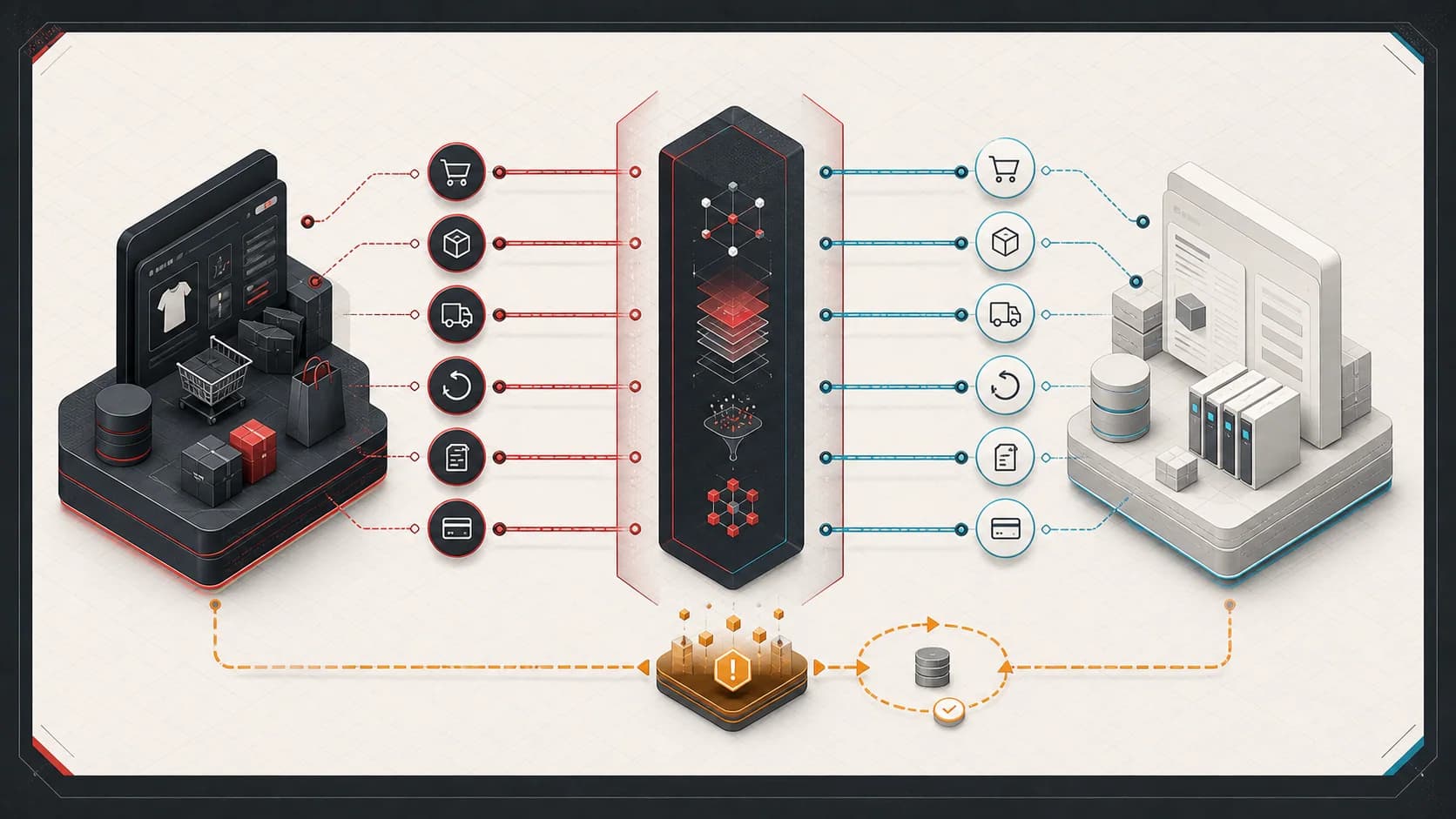
A customer wants three items delivered. Your website checks delivery availability, but the delivery service does not respond in time.
The website could say, “We don’t deliver to your address.” That would be a guess. It knows the check failed. It does not know whether delivery is possible.
The customer may change their address, remove an item, or leave. A feature intended to help them could prevent a valid purchase.
Recent work on checkout availability brought this distinction into focus for me. Before software blocks a customer, it needs evidence of a real restriction.
Let’s follow that shopper through a simplified example. The details are illustrative.
One missing answer can change the conclusion
Suppose the store sends each order from one warehouse. One warehouse must have all three items and serve the customer’s address.
The website checks two warehouses. The first is missing an item. The second does not respond.
The website has ruled out the first warehouse. It cannot yet rule out the second.
Finding one warehouse that meets the requirements supports an answer of “available.” Answering “unavailable” requires enough evidence to rule out every warehouse that could fulfill the order.
A successful response can also contain incomplete information. Suppose the website uses a saved list of delivery areas. An address missing from an outdated list could be in a newly added area.
The same check for missing records applies at checkout. An incomplete list cannot rule out delivery to an address.
Checking every possibility adds requests, waiting time, and maintenance work. An early guidance feature does not need to copy the entire checkout system. It does need to represent its limits.
Give the software three answers
The website needs three answers, each with a distinct meaning:
| Answer | What the website established |
|---|---|
| Available | A warehouse appears able to deliver all three items. Checkout must still confirm the order. |
| Unavailable | We checked the relevant warehouses and delivery rules, and none can deliver this order as it stands. |
| Unknown | The check did not obtain enough reliable information to decide. |
With only “yes” and “no,” a failed check must become one of those answers. “No” can block a valid purchase. “Yes” can promise delivery the store cannot provide.
Keep a reason with the answer. An address outside the delivery area needs a different response from a warehouse that did not answer. A small, consistent set of reasons helps the website and support team choose the next step.
Also identify the option that was checked. Local delivery may be unavailable while shipping or pickup remains possible. A failed delivery check should not remove another confirmed option.
Decide who must confirm the order
Our shopper is still waiting. The delivery check returned “unknown.” Should the website let them continue?
The decision depends on who performs the required validation.
If the failed check provides optional guidance, let the shopper continue to checkout. Checkout must still confirm stock and delivery before accepting the order.
The website can say: “We couldn’t confirm delivery here. Continue to checkout to check your options.” This message explains the limit without promising delivery.
If the failed service performs the only required delivery check, the store must obtain that answer before accepting the order. It can offer a retry or pause the purchase. It should explain that delivery could not be confirmed.
Delivery check returns unknown
Will checkout still perform the required stock and delivery checks?
Illustrative decision: continue only when checkout will still perform the required checks.
For optional guidance, I prefer a time limit on the check. If it cannot answer within that limit, explain the uncertainty and let checkout perform its normal checks.
This choice has a cost: some shoppers receive less guidance. Blocking them whenever an optional check fails creates another way to interrupt shopping. Treating every failure as success risks a false promise. Waiting without a limit leaves the shopper stuck.
Don’t ask the customer to fix a guess
Now suppose the second warehouse responds. It serves the address but has only two of the three items.
The website could suggest: “Remove this item to use this delivery option.” The customer can decide whether to change the order. Checkout must still validate the revised cart because stock can change.
That suggestion would be guesswork while the warehouse is unreachable. The customer could remove an item and still have no delivery option.
The cart may also have changed while the check was running. Advice about the original three items may no longer apply.
Record which cart the check examined. Before applying a suggestion, confirm that the relevant items and quantities still match. If they differ, run a fresh check.
Ask the customer to accept the change. An uncertain result is no reason to remove an item without their consent.
Check whether the help is helping
The team running the store must distinguish a delivery restriction from a broken check. Treating every restriction as an error creates noise. Ignoring failed checks hides problems that need attention.
Record the option checked, the answer, the reason, and the time taken. Use reason categories instead of customer addresses or cart details in monitoring labels. A failure to record these measurements must not interrupt the purchase.
Test the decisions that protect the customer:
- A missing warehouse response remains unknown unless other evidence settles the answer.
- A failed delivery check preserves a confirmed pickup option.
- A suggestion based on an old cart cannot change a newer cart.
- An unknown result never bypasses required validation before order acceptance.
These checks establish how the feature behaves. They do not establish that it increases sales.
A shopper who accepts a suggestion and completes an order shows that the path can work. They might have purchased without the suggestion. A sales claim needs a meaningful comparison with purchases made without the feature.
Before telling a shopper “you can’t,” check whether the software established a real restriction or failed to get an answer.