


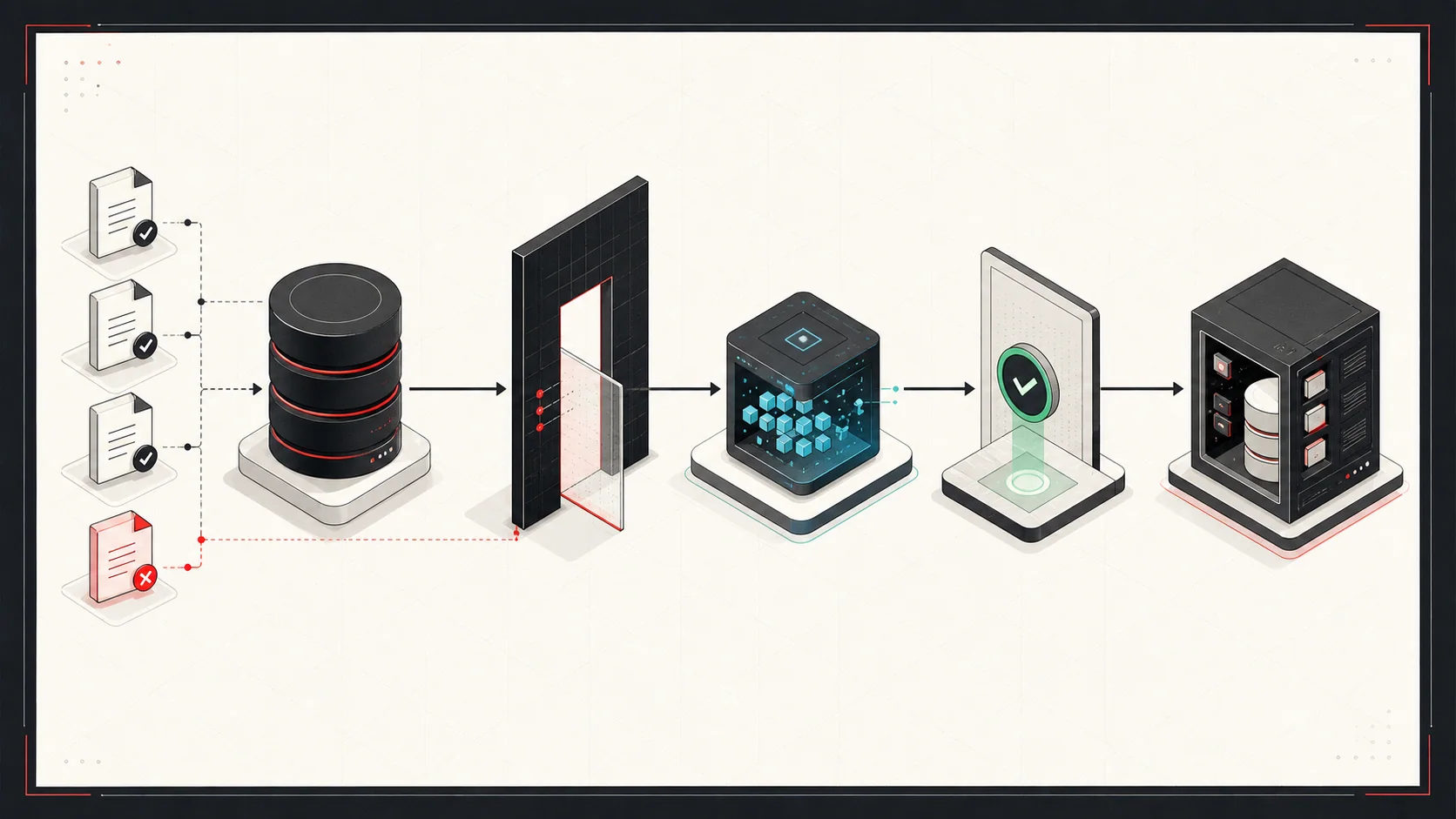
An AI agent connected to business data can be useful. It can answer questions, summarize records, draft replies, prepare reports, and help staff move faster. It can also become dangerous if it can read too much, write too freely, or act without review.
The application must enforce access and approval rules outside the prompt.
Start with read-only value
The first useful agent should usually be read-only. Let it search, summarize, and explain before it can create or update records.
Good read-only tasks include:
- Summarize a customer account
- Explain recent order history
- Find missing fields
- Compare records across systems
- Draft a support response
- Create a report from approved data
This lets the team test usefulness before granting permission to change records.
Separate model reasoning from system permissions
The model should not decide what it is allowed to access. The application should.
Use normal software controls:
- User authentication
- Role-based access
- Tenant boundaries
- Field-level filtering
- Audit logs
- Explicit tool permissions
The agent can request an action. The application decides whether the request is allowed.
Keep tools narrow
Do not give an agent one giant "database access" tool. Give it small tools with clear behavior.
Better tools look like:
searchOrders(customerId, dateRange)readCustomerSummary(customerId)draftEmailReply(threadId)createOrderDraft(validatedPayload)listOpenExceptions(teamId)
Each tool should validate inputs, enforce permissions, and return only the fields needed for the task.
Use approval for writes
Most business workflows should start with human approval before the agent writes to production systems.
Approval is especially important for:
- Creating orders
- Issuing refunds
- Sending emails
- Updating customer records
- Changing inventory
- Posting accounting transactions
The agent can prepare the action. A person approves it. Over time, low-risk actions can become automatic if the logs show consistent correctness.
Store evidence with the output
Every useful answer should show its work in a practical way.
For example:
- Which records were used
- Which date range was searched
- Which assumptions were made
- Which fields were missing
- Which action is being proposed
A reviewer can then check the answer against its sources.
Design for correction
Users will correct the agent. That correction should improve the system.
Capture:
- Edited fields
- Rejected suggestions
- Missing context
- Wrong classifications
- Follow-up questions
Use those corrections to revise prompts, retrieval, validation rules, and the review interface. Check whether the same errors recur after the change.