


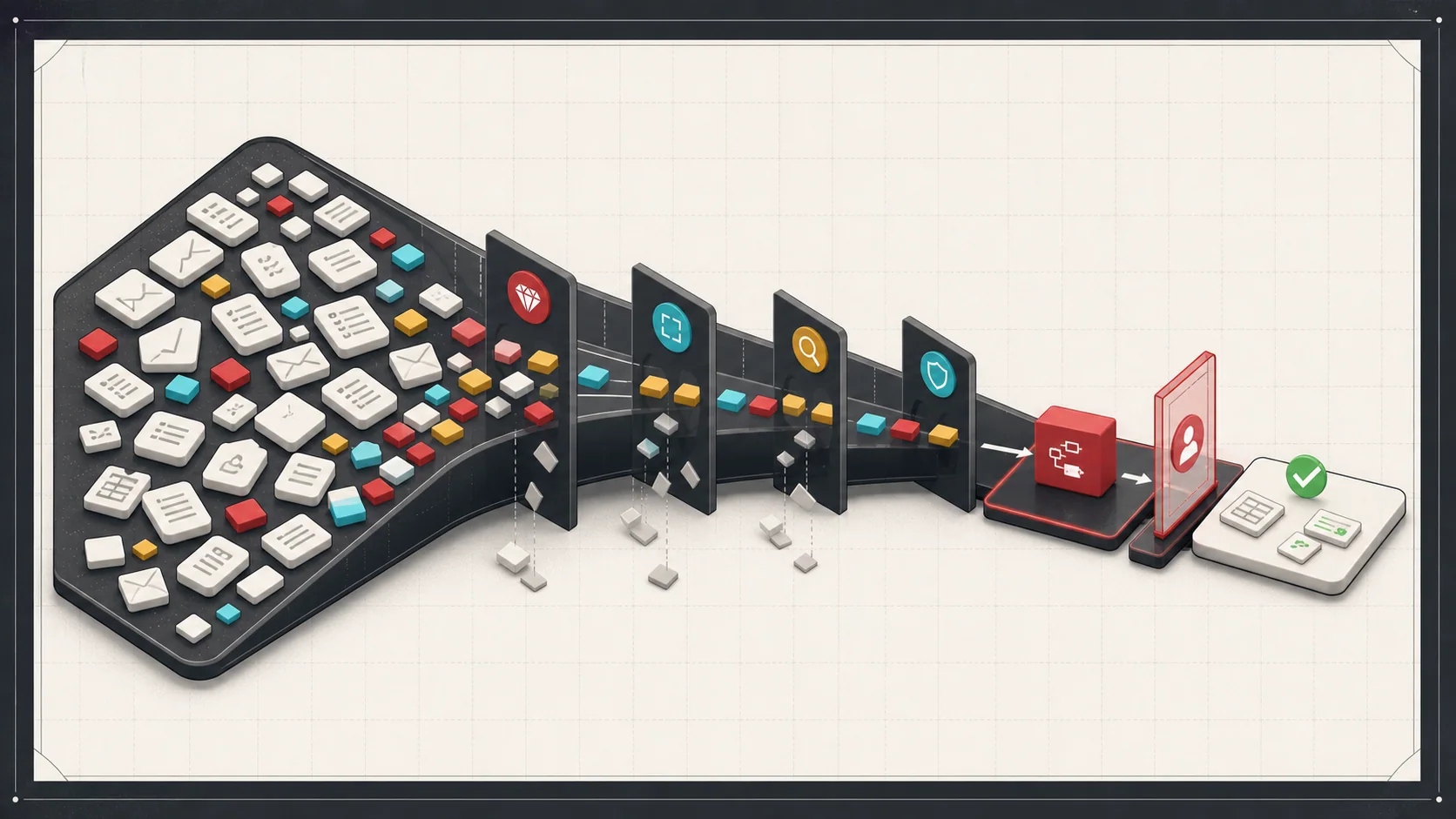
A small team spends part of each morning reading customer requests and copying details into another system. Some requests use a standard form. Others arrive as long emails with missing information.
Both take time, but they may need different solutions. A form submission may only need a direct connection between systems. AI may help interpret the email, provided someone can check its work.
This illustrative example captures the first decision in AI workflow automation: which task is worth testing? If you automate a messy process too early, you make the mess faster.
Use this article to choose one candidate and define a useful first test. For costs, implementation choices, and ongoing controls, see the complete AI workflow automation guide.
Start with the work people already repeat
Watch a person complete the work before choosing a tool. Record what arrives, what they look up, what they decide, and where they enter the result.
Then compare a few candidates:
| Repeated task | Simpler option to check first | Where AI might help |
|---|---|---|
| Copy fields from a standard form | An existing integration or field mapping | Usually unnecessary if the fields already match |
| Check for missing required fields | Ordinary validation rules | Interpreting details buried in variable text |
| Read a customer email | A clearer intake form or inbox rules | Proposing a request category and extracting details |
| Draft a response | An approved response template | Preparing a draft from a longer conversation |
These are options to evaluate, not guaranteed benefits. Check features in the products you already use before adding another system.
In our example, a sensible AI candidate is preparing a draft from the email. It has a visible input, a checkable output, and someone who already understands the work.
Avoid the hardest workflow first
Do not start with the process everyone hates most if it is also ambiguous, political, or full of exceptions. AI does not remove the need to define the process.
Choose work with:
- Clear inputs and a useful output
- A named owner and reviewer
- Enough repeated volume to measure the result
- A limited set of permitted actions
- Mistakes that can be caught before they affect a customer or business record
For the email example, choose one request type. Preparing a draft is a smaller test than deciding prices, creating orders, and sending confirmations.
If staff disagree about the right answer, resolve that disagreement first. If no one can check the answer reliably, the workflow is a poor first pilot.
Build the workflow around review
The review step is the product. A useful AI workflow should make it easy for a person to inspect, correct, and approve the result.
For an email-to-order draft, show:
- The original email beside the proposed details
- The customer, products, and quantities identified
- The records used to check those details
- Missing information and conflicting matches
- A clear choice to approve, correct, or reject the draft
A model's confidence score does not prove that a quantity or product is correct. Give the reviewer evidence, not just a polished answer.
Measure how long this review takes. If checking and correcting the draft takes longer than entering the request manually, the pilot has not yet solved the problem.
Connect AI to the right systems carefully
AI can prepare a draft without permission to create an order. Keep that boundary in the first test.
Before allowing approved drafts to change Shopify, NetSuite, or another business system, define which records may change and who approves them. Decide how staff will detect duplicate requests, investigate an uncertain result, and correct an error.
Keep a record of the source request, the approved changes, and the destination's confirmed result. If an update times out, check what happened before sending it again.
For the next stage, email-to-order automation explains the workflow in more detail. The first pilot does not need all of that scope to answer whether the draft is useful.
Measure boring improvements
The best early metrics are not dramatic. They are operational:
- Total handling time, including review and corrections
- Errors in consequential fields, such as product and quantity
- Requests that still need manual handling
- Time customers wait for a response
- Ongoing tool and support costs
Agree on the decision criteria before the test. For example: review must take less time than manual entry, and a draft with unresolved product or quantity details must not be approved. Choose thresholds that fit the consequences of a mistake.
Ten minutes saved per day is an observation, not a business case on its own. Compare recovered time with the cost of setup, review, maintenance, and operation. Do not count expansion to other teams as a benefit until you test whether the same approach fits their work.
The complete guide's cost example separates recovered staff capacity from cash savings.
A practical first project
A useful first pilot can stay small:
- Choose one repeated task and name its owner.
- Measure how staff handle it today, including corrections and waiting.
- Collect representative examples, using approved data with unnecessary personal details removed.
- Compare an existing product feature or ordinary rules with an AI-generated draft.
- Have a person review every draft. Include incomplete, conflicting, and unusual requests.
- Record handling time, errors, exceptions, and operating cost.
- Decide whether to continue, revise the process, or stop.
A small example set can expose obvious problems. It does not establish how the workflow will perform at production volume. Keep examples aside for evaluation so you do not judge the pilot only on requests used to tune it.
Decide whether to keep the pilot
Start with one workflow that already has a clear owner. Keep the pilot only if it makes the work easier after review, corrections, and cost are included. A better form or a simple integration can be the right result.
For help choosing that first test, see AI workflow automation consulting.