


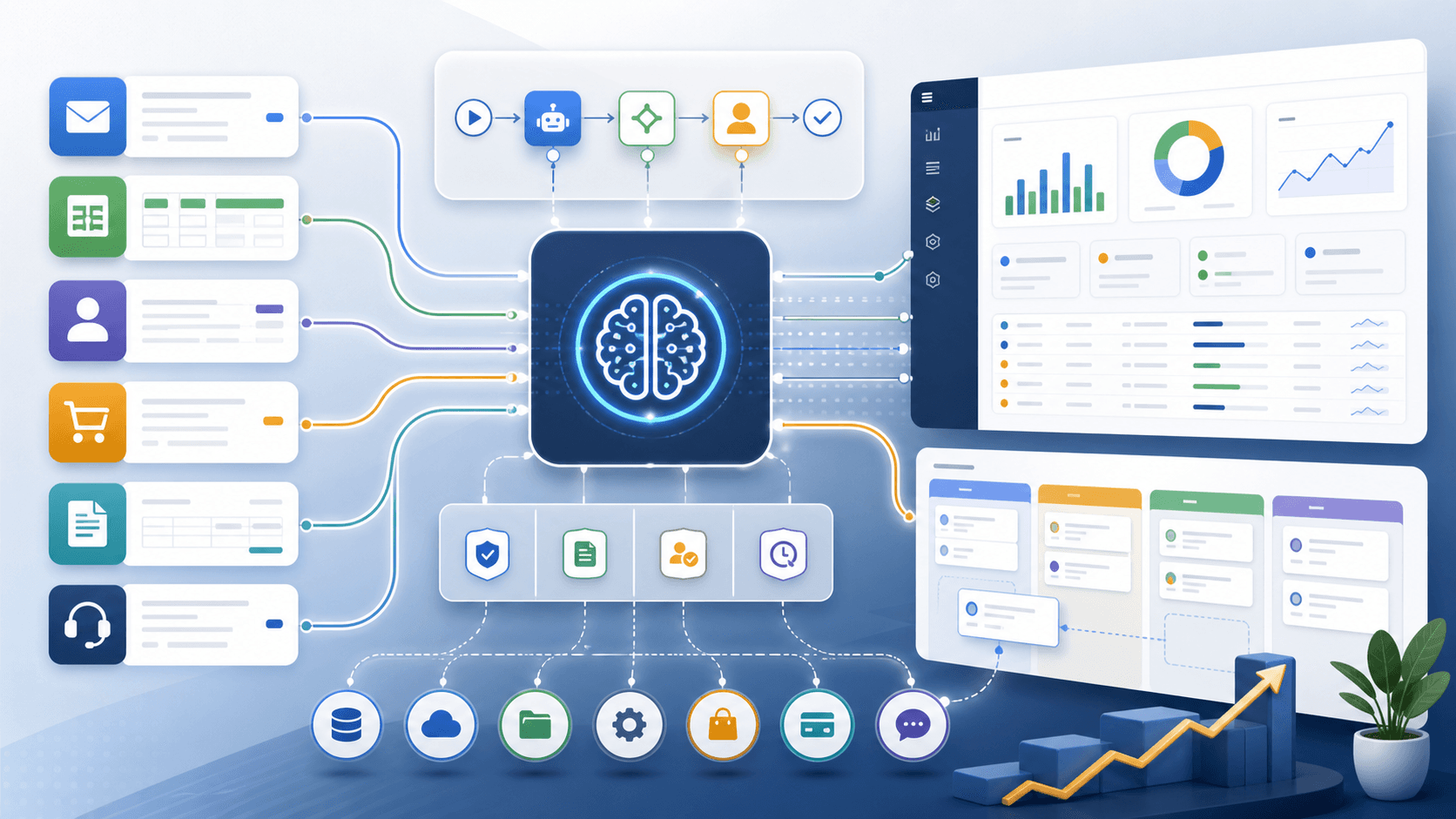
A customer sends a quote request by email. Someone reads it, looks up the products, checks the quantities, and copies the details into an order system. When requests pile up, customers wait and staff rush.
AI workflow automation may help with reading those requests. But copying known fields between systems may only need ordinary automation. A feature in the software you already use may solve the whole problem.
This guide explains how small and mid-sized businesses can choose between those options, test one workflow, and decide whether the result justifies its cost. We will follow an illustrative email-to-order process throughout. It is a planning example, not a client result.
For a shorter overview, see AI workflow automation for small businesses: where to start.
What is AI workflow automation?
AI workflow automation uses AI to interpret information within a business process. It can propose a classification, extract fields from a document, summarize a conversation, or prepare a draft.
Ordinary automation follows defined rules. It can copy a known customer ID, calculate a total, or send a notification after an approved action. These tasks do not necessarily need AI.
In our example, AI could interpret “another two cases of the usual” and suggest what the customer meant. That suggestion still needs evidence. The order system must supply valid product records and current prices. A person must resolve an ambiguous request before it becomes an order.
An AI-generated answer is a proposal. Check its correctness and authorization before acting on it.
Choose the simplest approach that fits
First check whether an existing product can handle the workflow with acceptable controls and cost. Test the actual process, including exceptions. A feature list alone will not show whether staff can recover from a failed update.
If the gap is moving structured data according to clear rules, use ordinary automation. Consider AI when the remaining work involves interpreting variable text or documents and you can check its output.
Yes → Test that product first. No → Check the remaining work.
Yes → Use ordinary automation. No → Assess whether AI output can be checked.
Yes → Test a narrow AI pilot with human approval. No → Keep the step manual or redesign it.
Choose from the work and its risks. An existing product may include AI; custom software is a separate implementation choice.
Custom software is not a third kind of intelligence. It can use rules, AI, or both. Choose it only when a specific gap justifies the cost of building and maintaining it.
Common AI workflow automation use cases
Look for repeated work with a clear owner and a result that someone can check. High volume alone is not enough: a fast mistake can create more work than a slow manual process.
| Workflow | Useful AI assistance | What must remain controlled |
|---|---|---|
| Sales inquiries | Summarize a request and draft a reply | Verify customer details and commercial commitments |
| Customer support | Suggest a ticket category or response | Keep account changes and refunds behind approval |
| Operations | Extract fields from variable documents | Check required fields against the source document |
| Finance | Propose invoice fields or expense categories | Verify records and authorize payments separately |
| Commerce | Prepare a draft from an email request | Validate products, quantities, prices, and approval |
These are candidates for testing, not promised outcomes. A standard form, a better inbox rule, or an existing product feature may solve the problem with less ongoing work.
For the email-to-order example, the first target is a draft that takes less time to check than an order takes to enter manually. Sending confirmations or charging customers is outside that first pilot.
Map the work before choosing tools
Sit with the person who handles the requests. Follow a normal request and a difficult one from arrival to completion.
Record where the request starts, which systems supply the facts, who makes each decision, and what marks the work as complete. Include the steps people do from memory. Those steps often contain the rules that software will otherwise miss.
For our example, ask:
- Which customer and product records are authoritative?
- What happens when a product name matches several items?
- Who can approve prices, substitutions, or delivery commitments?
- What happens when the customer changes an earlier request?
- How does staff know an order was created successfully?
Measure a sample of the current work. Record handling time, correction time, request volume, and delays. Keep unusual cases in the sample. You need a baseline to judge whether the pilot helps.
Example: email-to-order automation
Start with a narrow workflow that prepares orders for review:
- Receive the request and record a stable reference so the same message is not processed as new work twice.
- Use AI to propose products, quantities, and customer details. Keep the original message available beside the draft.
- Check those fields against approved customer and product records. Missing or conflicting details go to a person.
- Retrieve current prices and availability from the systems that own them. Do not let AI invent those facts.
- Have a person review every draft during the pilot. They approve, correct, or reject it before an order is created.
- After approval, create the order and record its confirmed reference. Send a confirmation only after the system confirms success.
A timeout does not prove that order creation failed. Before retrying, check whether the order already exists. Otherwise, one uncertain response can become two orders. If the outcome cannot be confirmed, stop for investigation.
The customer's message supplies request details. It does not grant permission to change prices, bypass approval, or access other customers' records.
This design has a cost: people still review the work. The pilot must show whether preparing the draft saves enough time after that review. For more detail, see how email-to-order automation actually works.
Tools and when custom software makes sense
Start with the systems your team already operates: email, customer records, accounting, inventory, and order management. Check their existing features and approved integrations before adding another platform.
A no-code or low-code tool may be enough to connect a few steps. Evaluate it against the actual requirements: permissions, approval, duplicate prevention, failure recovery, records of changes, and a clear owner. “No-code” does not remove the need to test or maintain the workflow.
An AI model can provide the interpretation step. Review what data it receives, how the provider handles that data, what the calls cost, and how you will detect incorrect output. Provider terms and capabilities can change; verify them for the service you intend to use.
Consider custom software when a required business rule or control cannot be implemented reliably in the available tools. For example, staff may need one review screen that shows the source email, proposed order, and conflicting product matches together.
Custom software also creates maintenance work. Someone must own the integrations, updates, access, and recovery process. Sensitive data or business importance alone does not make custom software the better choice. Compare the specific gap with the cost of operating the solution.
Security and risk considerations
The controls should match what can go wrong. A wrong internal summary and an unauthorized refund have different consequences.
Give the workflow access only to the records and actions it needs. Separate the ability to prepare a draft from permission to execute an approved action. Record who approved the change and what the destination system confirmed.
Before using real customer information, decide which fields may leave your systems, who can view them, and how long they can be retained. Use synthetic or appropriately redacted examples where possible during early testing.
Test misleading instructions inside emails and documents as well as ordinary errors. External content must not override your permissions or business rules. A model's confidence in its answer does not establish that the answer is correct.
The NIST AI Risk Management Framework provides a voluntary framework for managing AI risks. For the architecture behind controlled data access, see how to build a safe AI agent around business data.
How to calculate ROI for AI workflow automation
Start with time saved after review, corrections, and exception handling. Then include implementation and ongoing costs. Recovered staff time has value, but it does not automatically reduce payroll or create revenue.
Consider this illustrative annual scenario. It assumes a full year at steady operating volume; a rollout period would reduce first-year benefits.
| Item | Assumption | Annual value or cost |
|---|---|---|
| Current handling time | 80 hours per month at a loaded labor cost of $45 per hour | $43,200 |
| Recovered capacity | Pilot target: 48 hours per month saved after review and corrections | $25,920 |
| Ongoing operation | $400 per month for tools, model use, and maintenance | $4,800 |
| Implementation | One-time cost | $15,000 |
| First-year net modeled value | $25,920 − $4,800 − $15,000 | $6,120 |
The 48-hour reduction and all costs are assumptions, not measured results. Using total first-year costs as the denominator, the modeled return is $6,120 ÷ $19,800, or about 31%. If only 24 hours per month are recovered, the capacity value falls to $12,960 and first-year net modeled value becomes negative $6,840.
Measure the time reduction and actual operating costs before committing to the larger project. Include any costs missing from this simplified example, such as staff training, security review, and rollout disruption.
Report cash savings separately from recovered capacity. Faster responses and fewer errors may also matter, but measure those benefits rather than adding an unsupported revenue claim.
AI agents vs. structured workflows
An AI agent can choose tools or steps based on a request. A structured workflow defines those steps in advance, although it may use AI within them.
For our order pilot, the sequence is already known: interpret, validate, review, create, confirm. Giving AI freedom to choose additional actions adds little value to that first test.
An agent may be useful when the task genuinely requires choosing between several approved paths. It still needs restricted access, verification, and a way to stop. Approval and audit records are requirements for the system; they are not guarantees that come from calling it an agent or a workflow.
A practical implementation roadmap
1. Discover and choose
Map the work, measure the baseline, and choose one task. Name an owner and agree on what would make the pilot worth continuing. Include a simpler alternative in the comparison.
2. Test without changing business records
Use representative examples, including incomplete requests, duplicates, and conflicting details. Compare drafts with reviewed answers. Measure critical field errors and review time separately; an overall accuracy score can hide a costly mistake.
3. Run a controlled pilot
Let staff review every proposed action. Track corrections, exceptions, confirmed outcomes, and total handling time. Keep the manual process available so the business can continue when the pilot stops.
4. Decide whether to expand
Expand only if the measured benefit justifies the cost and unresolved risks. If review takes longer than manual entry, improve the input or stop the experiment. A useful pilot can end with a decision not to automate.
5. Monitor and maintain
Assign someone to review failures and changes in cost or output quality. Recheck representative cases when the model, prompt, connected systems, or business rules change. Keep a clear way to pause the workflow and resolve uncertain outcomes.
Common AI workflow automation mistakes
Automating an unclear process. If people cannot agree on who approves a request, software will not resolve the disagreement. Define ownership first.
Treating readable output as correct output. A polished draft can still contain the wrong quantity. Show the supporting source and validate consequential fields.
Counting gross time savings as profit. Review, maintenance, and exception handling consume time too. Include them before deciding whether the workflow pays for itself.
Expanding before the pilot answers the question. More departments and more permissions create more ways to fail. Resolve the narrow test before widening its scope.
Frequently asked questions about AI workflow automation
What is the best first workflow to automate?
Choose repeated work with measurable handling time, a clear owner, and outputs that can be checked. First test whether an existing feature or ordinary automation can handle it.
Do I need custom software?
Only if a specific requirement justifies it. Standard tools may be sufficient. Custom software adds control over implementation and responsibility for maintenance.
How much does it cost?
Estimate setup, integration, staff review, subscriptions, model use, and ongoing support for the actual workflow. The example above illustrates the calculation; it is not a price quote or a forecast for your business.
Is AI workflow automation safe?
That depends on the data, permissions, possible errors, and controls. Test the failures that matter to your workflow. Human approval helps only when reviewers have enough evidence and time to check the result.
Will it replace employees?
Do not assume that it will. Measure which tasks it changes and how the recovered time will be used. A staffing decision needs more evidence than a successful draft-generation demo.
How long does it take to see results?
The pilot needs enough representative work to reveal normal cases and important exceptions. Define the evidence needed to continue before setting expectations about a return.
Software Survivor helps businesses assess that decision, integrate existing systems, and build custom workflows when the requirements justify them. Start with AI workflow automation consulting, or get in touch to map a workflow.