


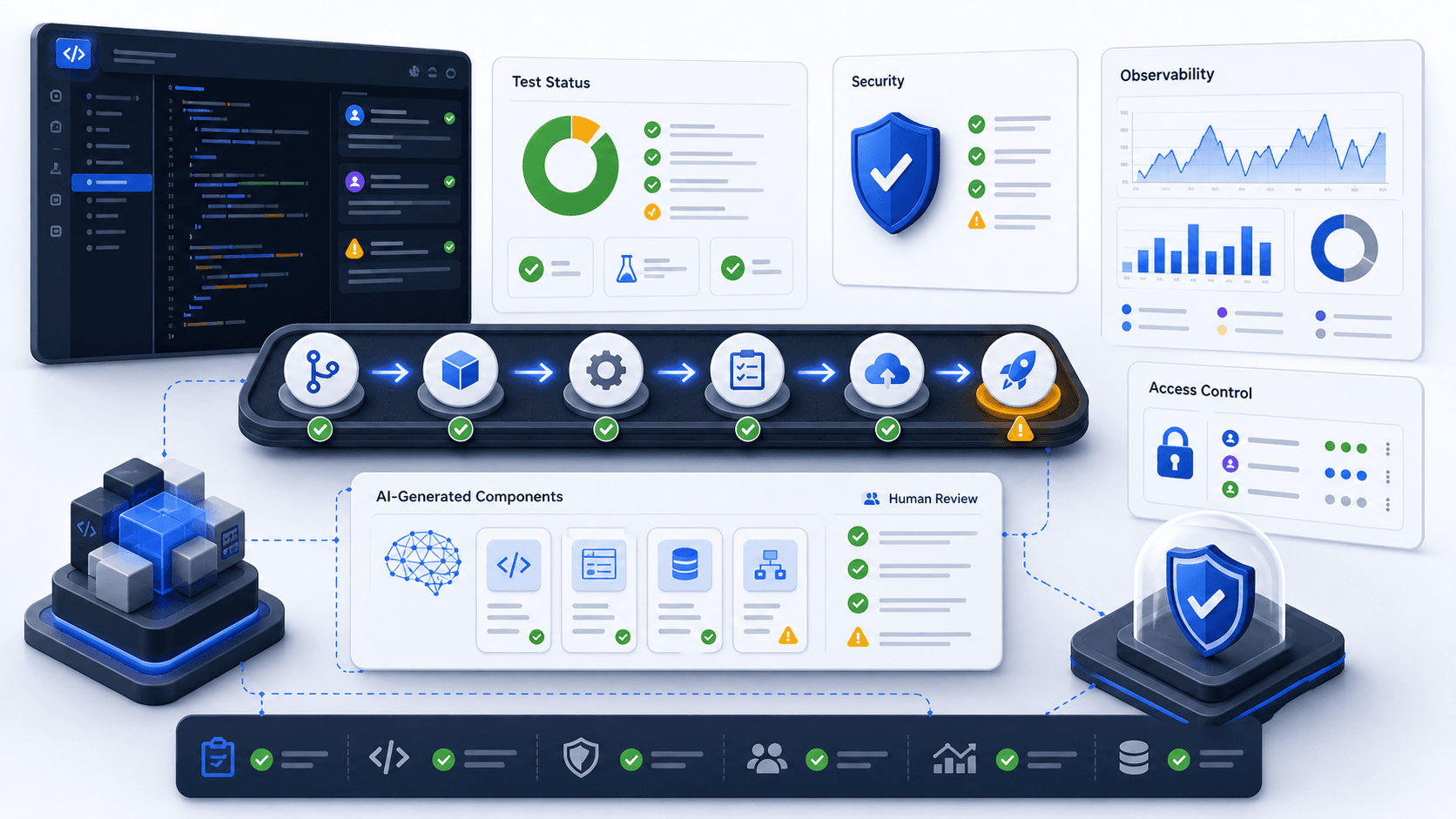
AI can help build software faster. That does not mean the software is ready for production faster. Production still requires architecture, tests, security, observability, deployment discipline, and maintenance ownership.
AI-generated code can look complete before anyone has verified its behavior under failure.
Use this checklist before launching AI-built or AI-assisted software.
1. Can you explain the architecture?
If no one can explain how the system works, it is not ready.
You should know:
- Main components
- Data flow
- External services
- Background jobs
- Authentication model
- Deployment path
- Failure points
AI can generate code across many files quickly. Someone still needs to own the shape of the system.
2. Are the important paths tested?
Not every line needs a test, but the business-critical paths do.
Test:
- User signup or login
- Payment or order creation
- Data imports
- API integrations
- Permission boundaries
- Background jobs
- Error handling
If the app affects money, inventory, customer data, or business operations, tests are not optional.
3. Is input validated?
AI-generated code often assumes clean inputs. Production does not provide clean inputs.
Check:
- Form validation
- API payload validation
- File upload limits
- Type checks
- Required fields
- Numeric ranges
- Date parsing
- Safe defaults
Bad input should produce a controlled error, not corrupt data.
4. Are permissions explicit?
Authentication proves who the user is. Authorization controls what they can do.
Verify:
- Users cannot access other users' records
- Admin actions require admin permission
- API routes enforce permissions
- Background jobs do not bypass tenant boundaries
- Sensitive fields are not returned unnecessarily
This is especially important when AI tools generate API routes quickly.
5. Are secrets and data protected?
Review:
- Environment variables
- API keys
- Database credentials
- Logging of sensitive data
- File permissions
- Personal information
- Payment or health data handling
Never trust that generated code handled secrets correctly.
6. Can you see failures?
Production software needs observability.
At minimum, you need:
- Error logging
- Request logs
- Background job logs
- Integration failure logs
- Alerts for critical paths
- Enough context to debug a failed record
If a customer reports a problem and you cannot trace it, the system is not ready.
7. Is deployment repeatable?
The project should have a clear deployment path.
Check:
- Build command
- Environment configuration
- Database migrations
- Rollback plan
- Branch strategy
- Preview deployments
- Production deploy permissions
Manual deployment steps are where mistakes hide.
8. Is there an owner?
Every production system needs someone responsible for maintenance. AI does not own the code after launch.
Define:
- Who monitors errors
- Who reviews dependency updates
- Who handles incidents
- Who approves changes
- Who understands the architecture
- Who can onboard another developer
The maintenance plan is part of the product.
Before launch, record which checks passed, which risks remain, and who owns the unresolved work.