


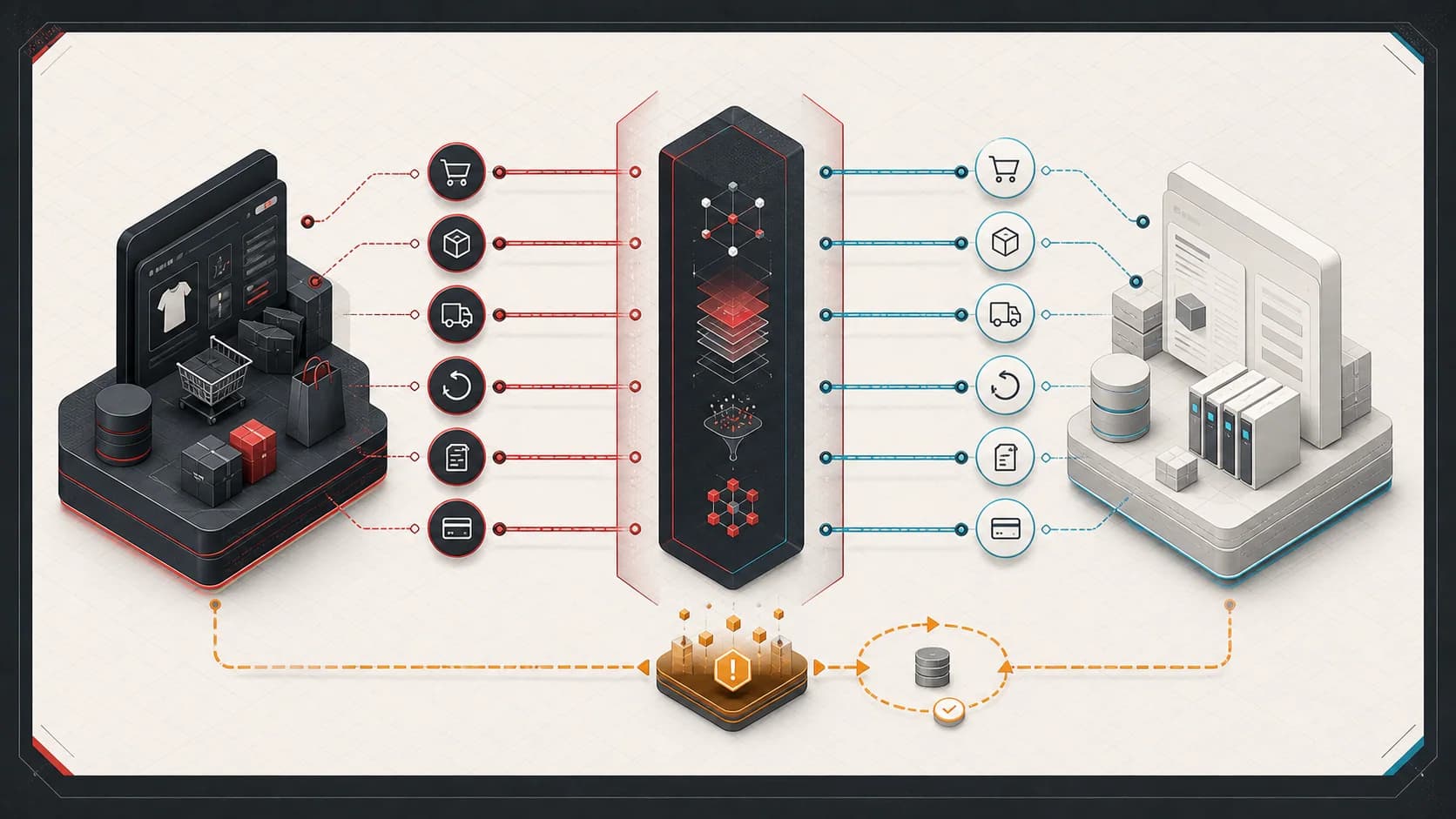
A Shopify to NetSuite connector can get you through launch, but launch is not the finish line. The hard part starts after real order volume, real exceptions, real warehouse timing, and real finance rules begin flowing through the integration.
Most connector issues are not caused by the connector being bad. They happen because Shopify and NetSuite represent the business differently. Shopify is optimized for commerce transactions and customer experience. NetSuite is optimized for accounting, fulfillment, inventory, and operational control. The integration has to translate between those worlds without losing meaning.
If you need help stabilizing that translation layer, see Shopify-NetSuite integration consulting.
The connector works until the business rules show up
The first version of a Shopify to NetSuite integration usually handles the happy path:
- A customer places an order
- The order appears in NetSuite
- Inventory is reduced
- Fulfillment happens
- Tracking flows back to Shopify
That is useful, but real operations add complexity quickly. Partial fulfillments, split warehouses, item substitutions, refunds, taxes, gift cards, bottle deposits, discounts, purchase-order customers, and marketplace orders all test the assumptions in the integration.
When something breaks, the question is rarely "Did the API call fail?" The better question is "Which system is the source of truth for this state?"
Item mapping is the first real test
Shopify products, variants, bundles, subscriptions, and discounts do not always map cleanly to NetSuite items. A product that looks like one line in Shopify may need to become several NetSuite item lines. A bundle may need to explode into child SKUs. A discount may need to become a specific item so finance can report it correctly.
Common symptoms:
- Orders fail because a Shopify SKU does not exist in NetSuite
- Bundles post as one item when fulfillment needs the component items
- Discounts and shipping charges land in the wrong accounts
- Gift cards, tips, deposits, or taxes need special item handling
The fix is not just a better lookup table. You need a mapping layer that understands the business meaning of each line.
Fulfillment timing creates hidden edge cases
Shopify thinks in fulfillment status. NetSuite thinks in sales orders, item fulfillments, inventory detail, bins, lots, and billing. A warehouse management system may introduce a third version of truth.
The integration needs to answer:
- Can this order be fulfilled yet?
- Which NetSuite lines are still open?
- Which location owns the fulfillment?
- Does the fulfillment need lot or bin assignment?
- Should billing happen before or after fulfillment?
This is where SuiteQL becomes useful. You can query open sales order lines, item fulfillment history, package tracking, and pending quantities instead of relying only on a record-by-record connector view.
Refunds and cancellations need explicit rules
Refunds are deceptively complicated. Shopify can refund money, restock items, cancel an order, partially refund a line, or issue a goodwill credit. NetSuite may need a credit memo, cash refund, closed sales order line, inventory adjustment, or no inventory movement at all.
Do not let refund behavior be implicit. Write down the cases:
- Full order cancellation before fulfillment
- Full refund after fulfillment
- Partial refund with no return
- Partial refund with returned inventory
- Shipping refund
- Tax-only correction
Each case should have one expected NetSuite outcome. Without that contract, finance will discover integration bugs during reconciliation instead of during testing.
The Shopify-to-NetSuite refund architecture guide breaks down partial and multiple refunds, shipping, tax, discounts, tenders, inventory effects, and implementation-dependent NetSuite outcomes.
Payment reconciliation is where shortcuts surface
Shopify payments, Shop Pay, PayPal, gift cards, store credit, manual payment terms, and B2B purchase orders may all need different treatment in NetSuite. A connector that creates a sales order is not necessarily solving cash application.
The integration should distinguish:
- Paid consumer orders
- Net terms orders
- Purchase order customers
- Marketplace payouts
- Gift card redemptions
- Payment processor fees
This is not just accounting detail. If payment state is wrong, billing automation and revenue reporting become unreliable.
What a production-ready integration needs
A stable Shopify to NetSuite integration usually has these pieces:
- A clear source-of-truth document for order, fulfillment, inventory, and billing state
- Item mapping that supports bundles, discounts, fees, and non-inventory lines
- Retry behavior that is safe to run more than once
- Exception reporting for failed orders and partial syncs
- SuiteQL reports for open lines, fulfillment history, and reconciliation
- Logging that includes external order IDs and NetSuite internal IDs
- A small set of manual recovery tools for operations
The goal is not to remove every exception. The goal is to make exceptions visible, explainable, and recoverable.
The real value is operational confidence
The best Shopify to NetSuite integrations do not just move data. They help the team trust the flow from customer order to warehouse action to finance record.
If you are already running a connector and still spending hours in spreadsheets, support tickets, or manual NetSuite cleanup, the next step is usually not replacing the connector. It is adding the missing integration layer around the business rules the connector cannot know.
For the end-to-end processing model, see Shopify to NetSuite Order Sync: Architecture That Survives Production.